Linked accounts
Game library
0 games
Email and password only. We'll verify your email, then link platforms and set up your profile.
Create an account to list and manage your server on Spawn.
Sign in to continue to Discover, LFG, and your account.
We sent a verification link to your email. Tap the link in your inbox, then tap Continue below.
Didn't get it?
Connect Discord first, then add platforms and game accounts as you go. All optional — skip anytime.
Squad chat, LFG, and server communities
PlayStation, Xbox, Steam, Nintendo Switch — unlocks library scan
Epic Games, EA, Blizzard, and other publisher accounts
Link Steam, PlayStation, Xbox, Nintendo, or Epic to auto-scan games on the next step.
Tap any section on the card to edit it.
Max 20 characters
0 games · 0 linked
Enter your server details and RCON password. Credentials are saved only on this device — Spawn never stores your password.
WebRCON connects directly from your browser — one quick check, no cloud relay. If G-Portal is restarting, wait until the server is fully online before testing. Test from http://localhost:3456 (not findspawn.com). Your password stays on this device only.
Upload media, write your copy, then open the design studio to style every font and color on your Discover card.
Your public link — letters, numbers, and hyphens only. Players find you in Discover search by name or ID.
Live preview — players see this card in Discover and on your server hub
Start from a Rust Console Edition template, then customize. Rules appear in your server's dedicated rules section.
Every server includes a rules area by default — you can edit these anytime after publishing.
Import screenshots from Rust's in-game map screen. We auto-crop to the right ratio — adjust manually if needed.
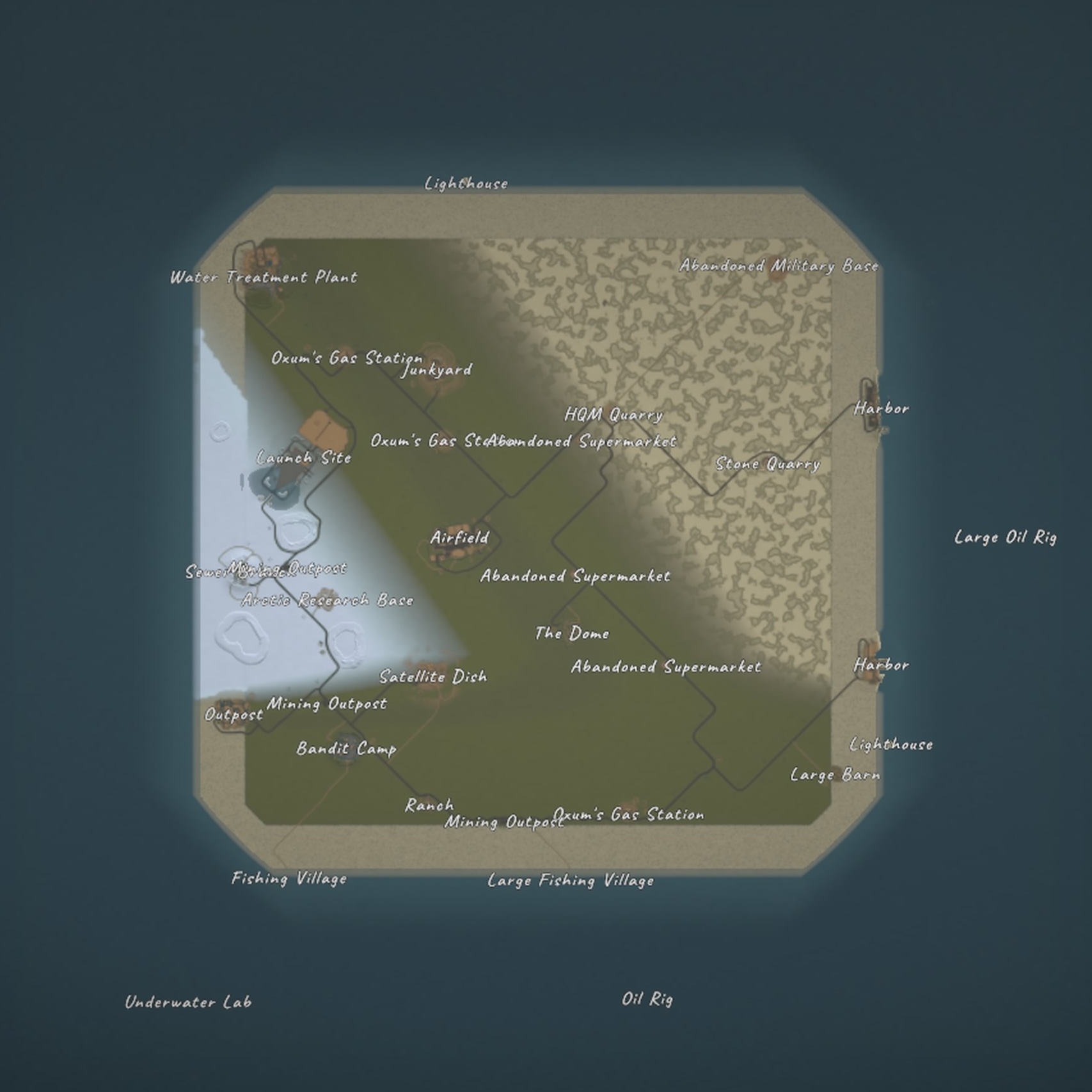
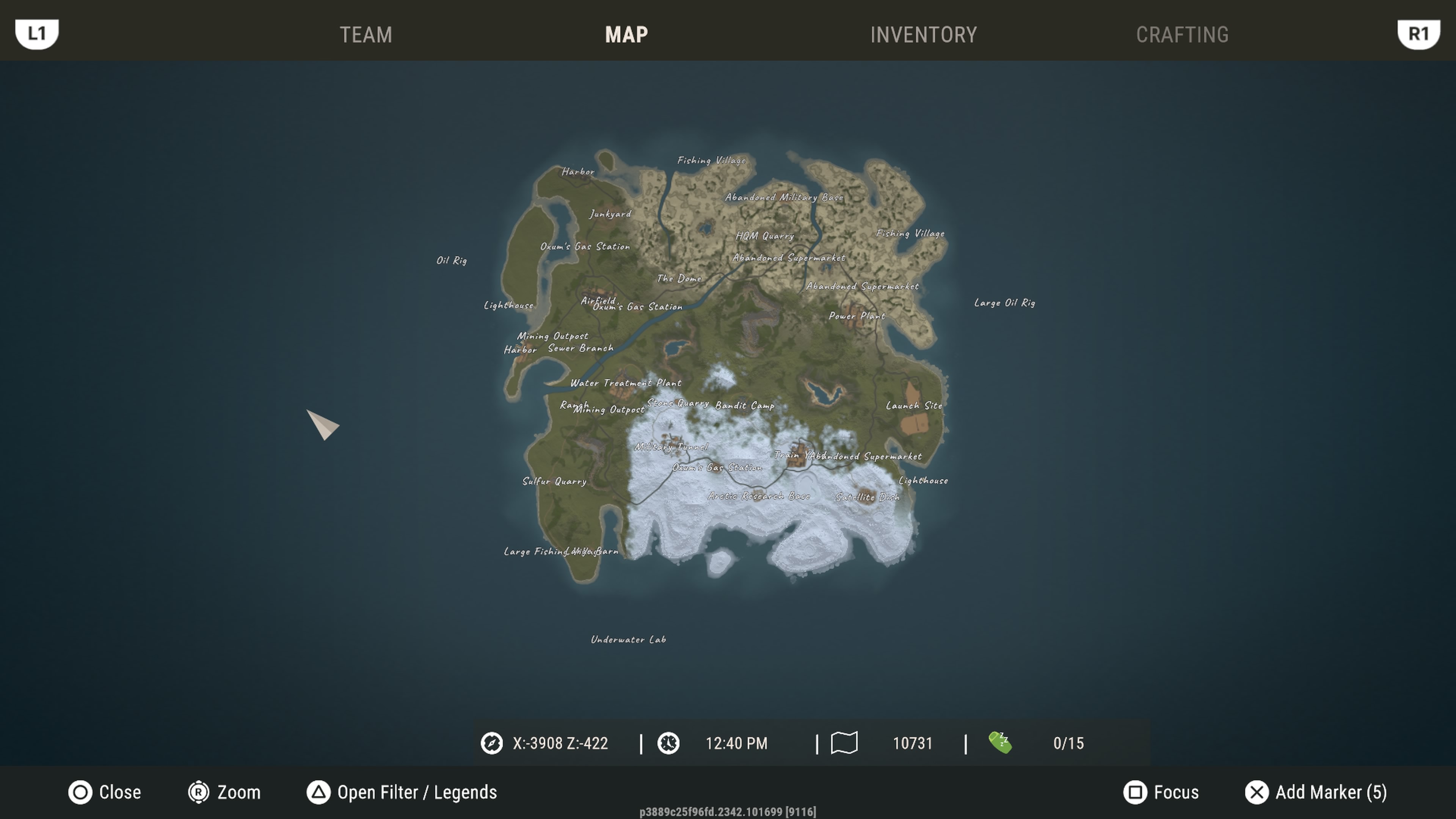
Map is required. Map 2 is optional — use it for a wider preview on your server hub.
Toggle optional hub sections, then preview how players will see your server — then publish when ready.
Extra tabs on your server hub. Shop appears automatically when you add a Tip4Serv store link.
Turn on boards and channels inside Comms — players see only what you enable.
Drag to reposition. Use zoom to fine-tune, or auto crop to center the image.
Region, platform & playstyle — helps players find you
Don't see your tag?
Connect platforms to show up in the right lobbies
Pick the games you play — friends see these on your card
Based on your picks — add a few more if you own them
You're exploring as a guest — create an account to save servers, match in LFG, and personalize your dock.
Follow games and servers in Discover to fill your personal feed, patch notes, and releases.
Drag anywhere — the map never ends · Tap a planet to open its hub
Swipe players · match by vibe
Spawn · Your hub
Sign in to sync your profile
Complete your profile to stand out on LFG and servers.
Guest · ExplorerSpawn · Shield
Choose who can discover your LFG card and public profile.
Pending
Your listing is in the queue. You can preview, edit, or withdraw until a moderator picks it up.
Featured placement on Main & Discover. Core discovery stays free.
Dev console — use apps/admin for production review
Spawn · Identity
Your @name on LFG cards and chat. Pick a font from the pill.
Spawn · Search ID
Unique to you — how others find you on Spawn. Tap a part to re-roll it.
Spawn · Alerts
Choose what pings you — each channel is independent.
Server owner · Danger zone
This delists your server and clears your owner listing data on this device.
Your server will be withdrawn from Discover and the command center. You can submit a new listing later.
Matches, pins, follows, and join updates from Find Squad only — no chat here.
Players
Spawn · Newsroom
Curate your Home feed — every channel is opt-in.
Narrow the map by region, farm rate, or wipe schedule. Deselect chips to hide matching servers.